Bildegalleri
(1/2)
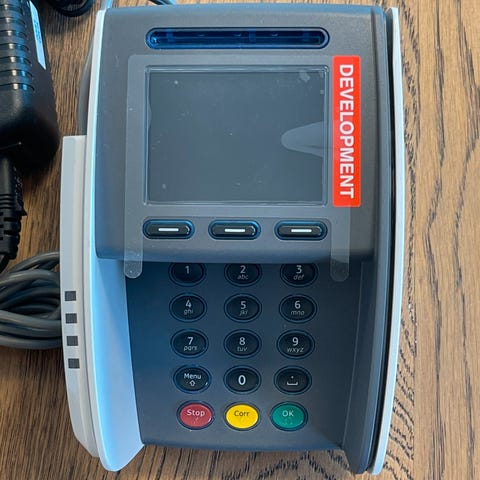
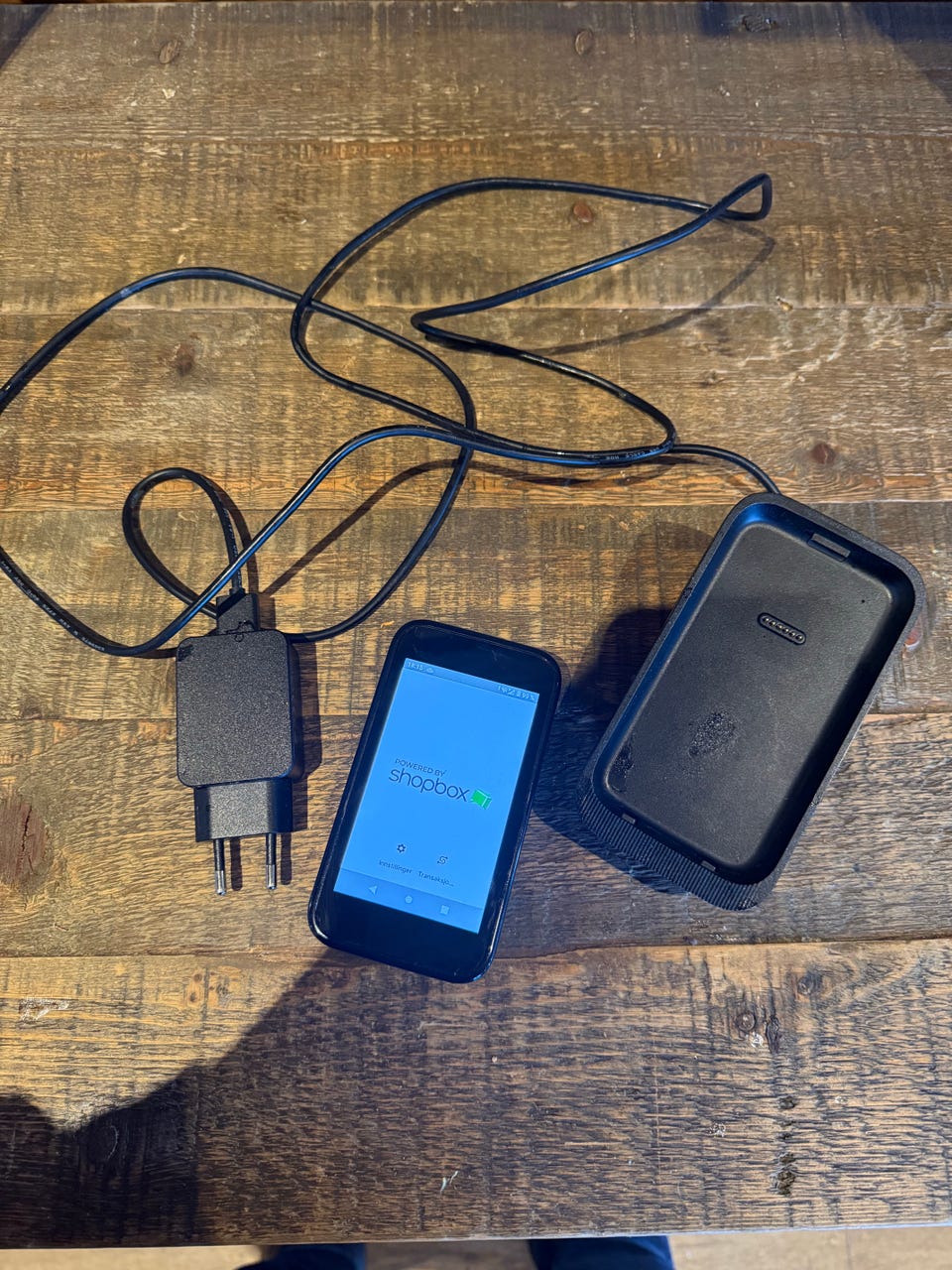
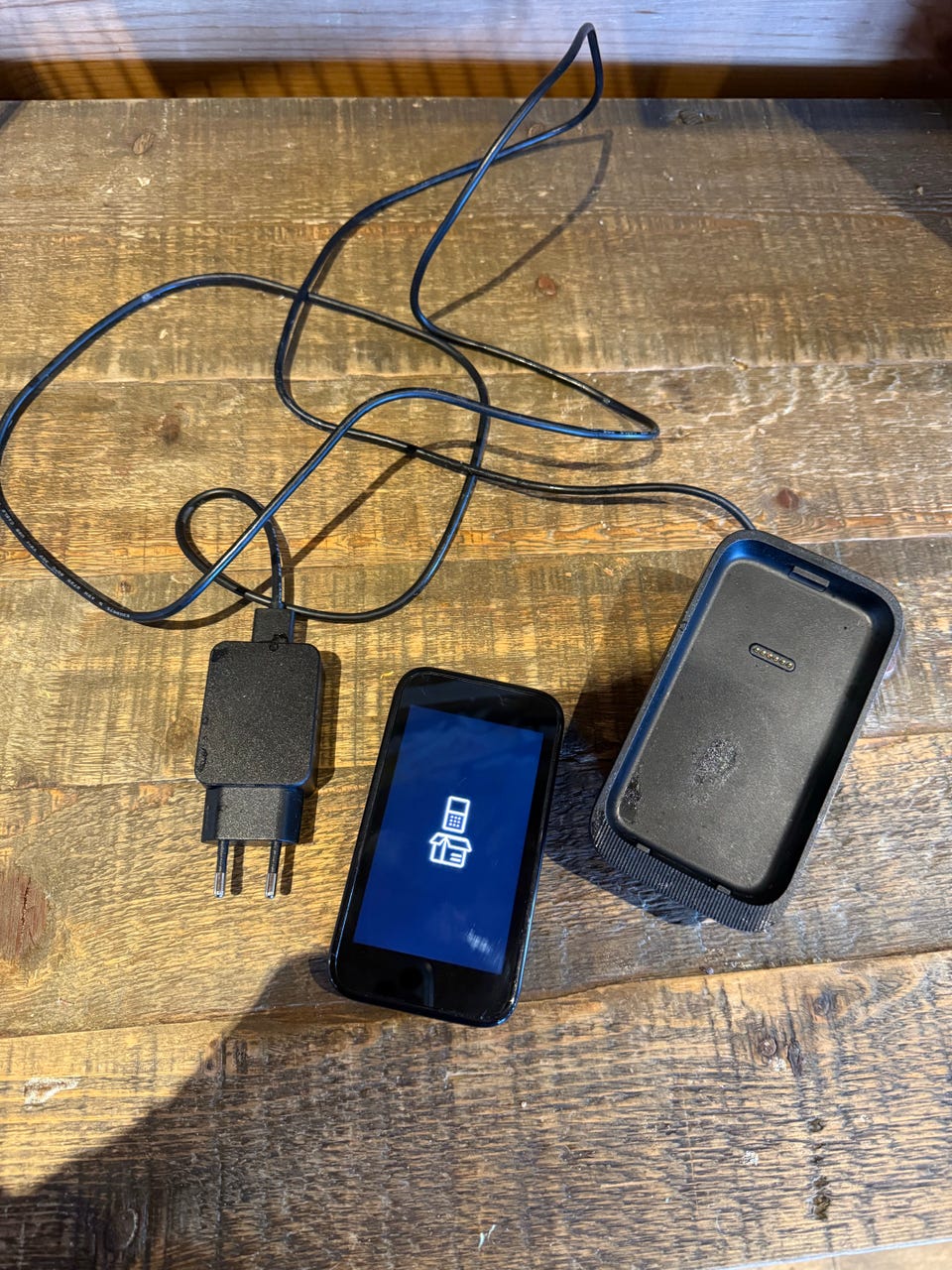
Payment Terminal AMS1
Til salgs
4 000 kr
Frakt fra 38 kr + Trygg betaling 224 kr
Trygg handel med Fiks ferdig
Etter levering har du 24 timer til å se over varen. Hvis det er noe galt med varen, får du pengene dine tilbake.
Beskrivelse av varen
Tilstand: Som ny - Ikke synlig brukt
AMS1 user manual
Get started with the AMS1 payment terminal.
Supplied components
AMS1 payment terminal
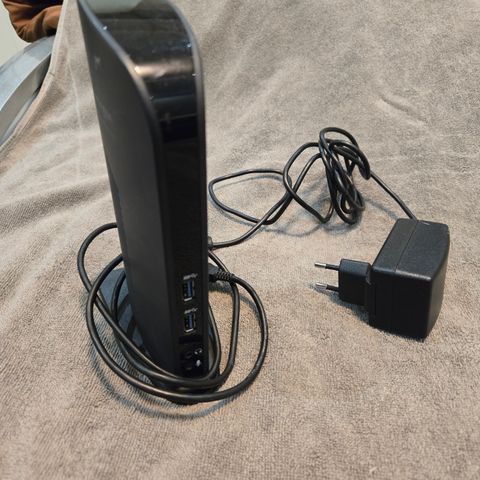
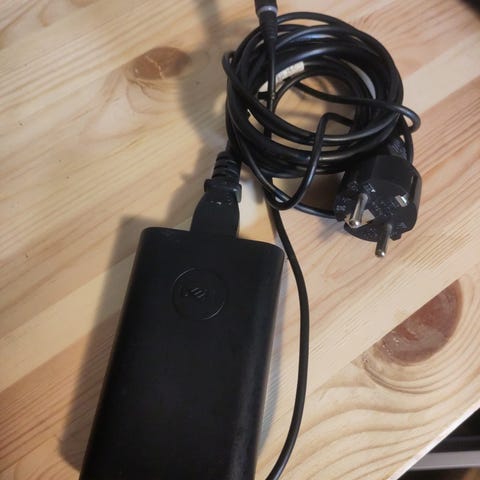
USB cable and region-specific power plug for charging
eSIM card
Get started
These are the steps to get your new AMS1 payment terminal up and running. Some steps include a link to more detailed instructions.
Inspect the terminal.
Turn on the terminal: connect the terminal to a power supply, then press and hold the power button until the display turns on.
Let the battery charge for at least four hours while you continue with the next steps.
On the Welcome screen, select your language.
Connect the terminal to your network.
On the Confirm store screen, assign the terminal to your store by selecting the check mark button. If the store shown is not your store, use the edit button to change it.
If the store screen doesn't show, wait until the next synchronization with the Adyen platform (on average three hours) and try again.
When you have completed these steps, you are ready to process payments!
Inspect the terminal
Because payment terminals process sensitive card data, you must verify that the terminal you received is the correct one, supplied by Adyen, and has not been tampered with.
Verify that the shipping box containing the terminal has not been opened and that the tamper-evident security packing tape is intact.
If you have access to the Adyen Customer Area, log in and under In-person payments > Orders and returns find the order for your terminal. Then:
Verify that the serial number (S/N) on the box is the same as in the Customer Area.
Using the track & trace link, track the order with the carrier to verify that they confirm having delivered the payment terminal.
Open the box, take the terminal out of the box, and verify that the serial number (S/N) on the terminal is the same as the serial number on the box.
Inspect the terminal for tampering. Check for missing screws, additional wires or labels, holes in the device, and anything inserted in or attached to any part of the terminal.
NB: Knappen for å vise hele beskrivelsen har kun en visuell effekt.
Brukerprofil

Du må være logget inn for å se brukerprofiler og sende meldinger.
Logg innAnnonsens metadata
Sist endret: 3.7.2026 kl. 14:40 ・ FINN-kode: 459919701