Bildegalleri
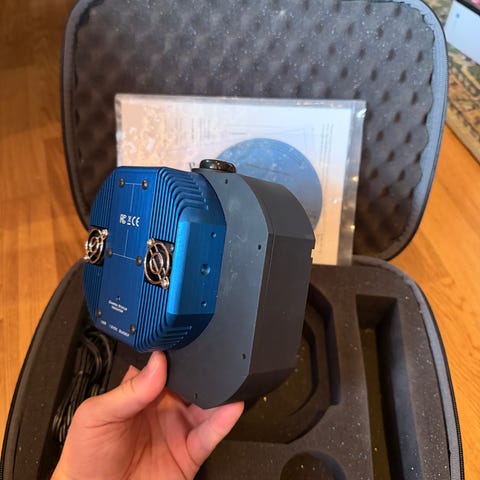
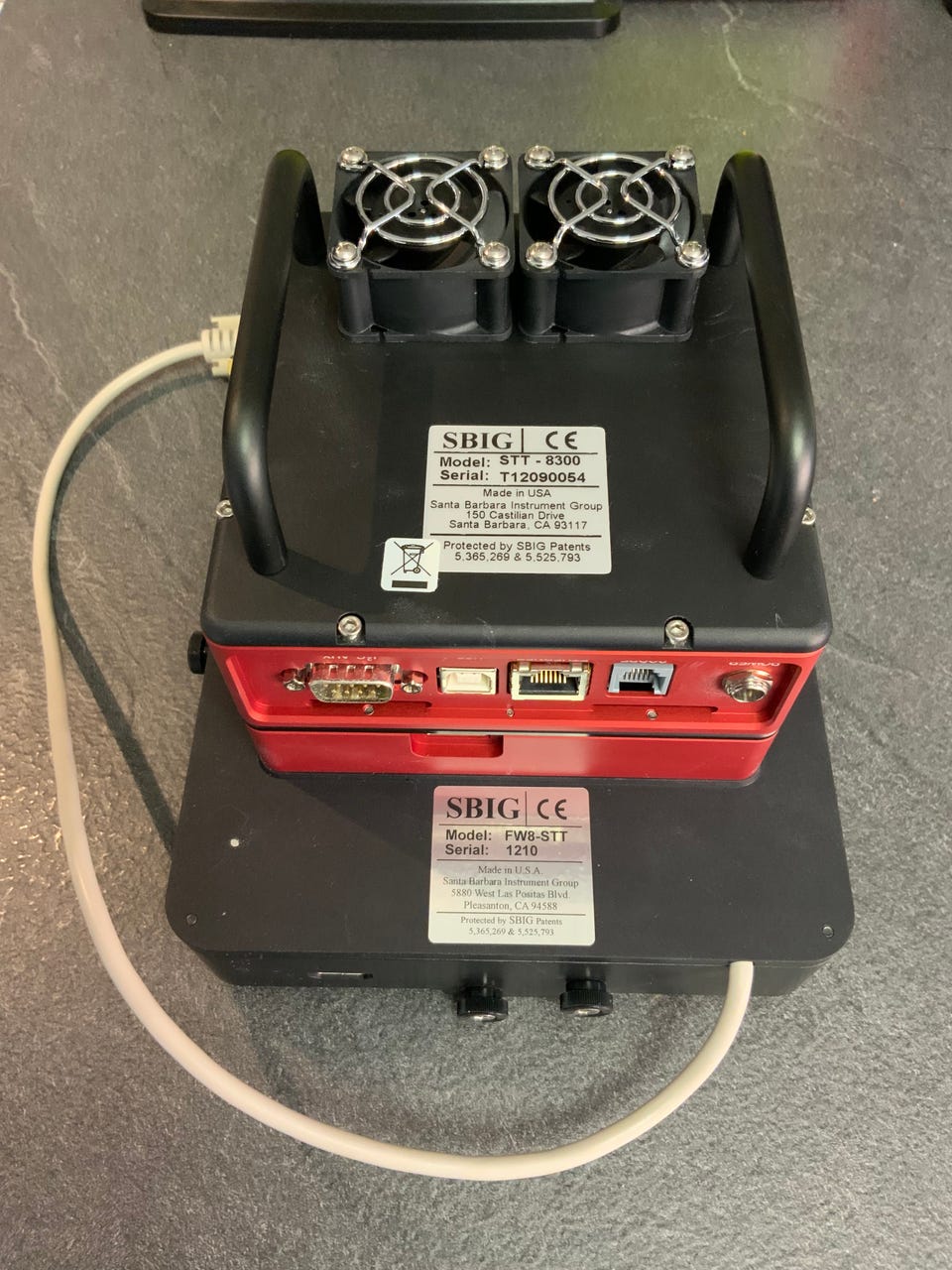
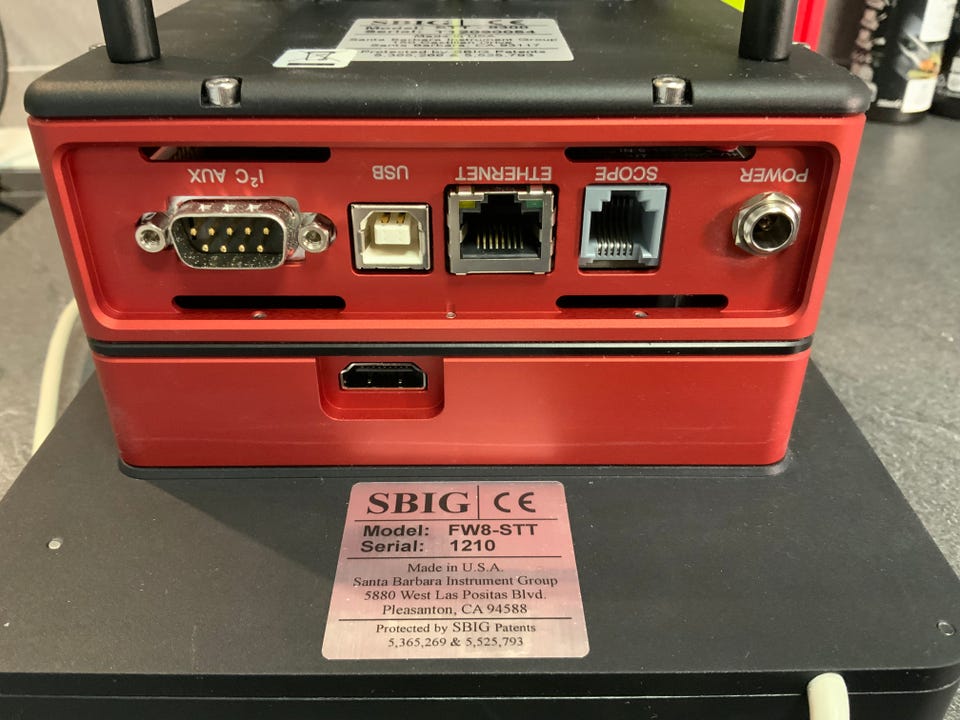
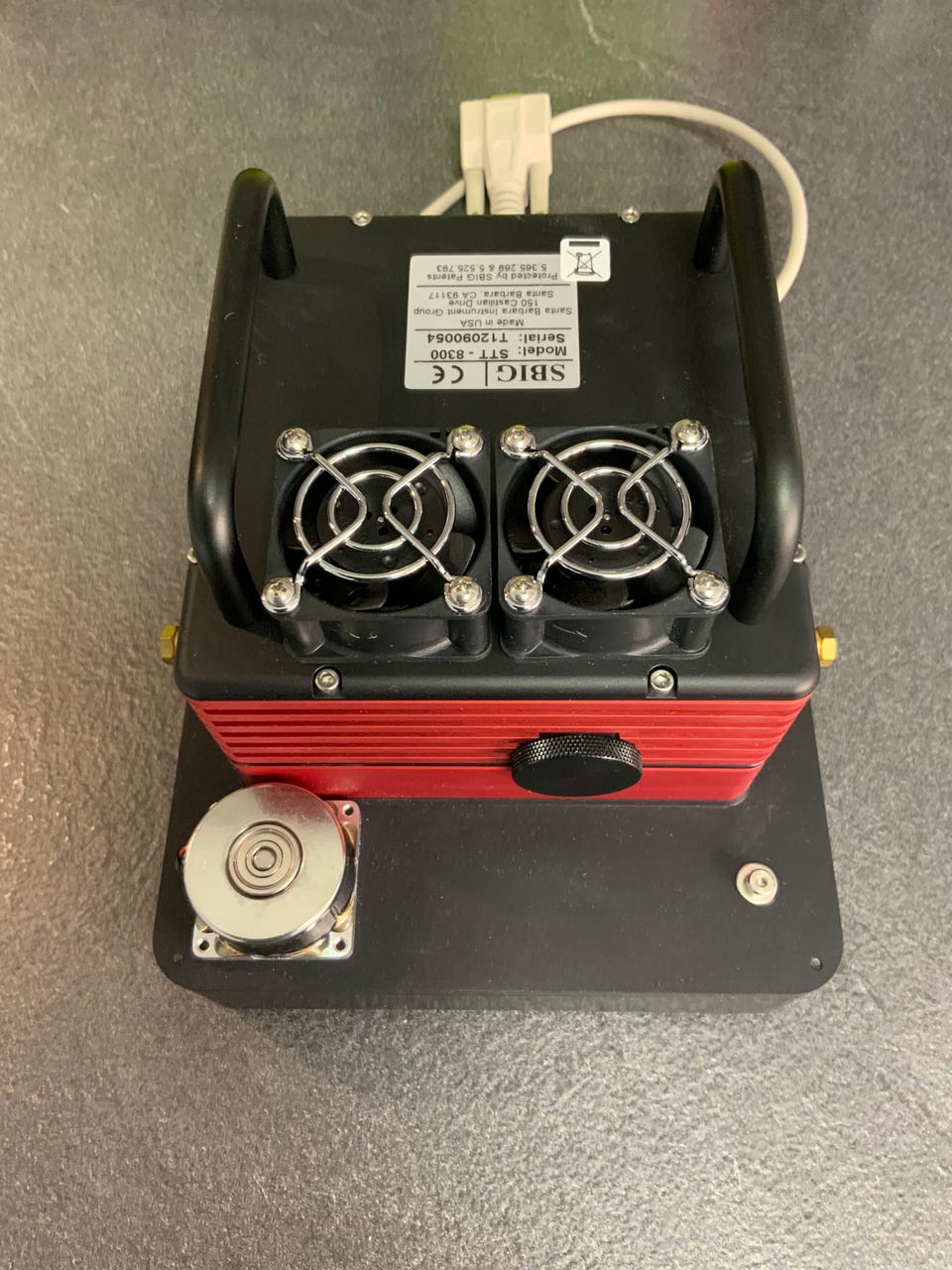
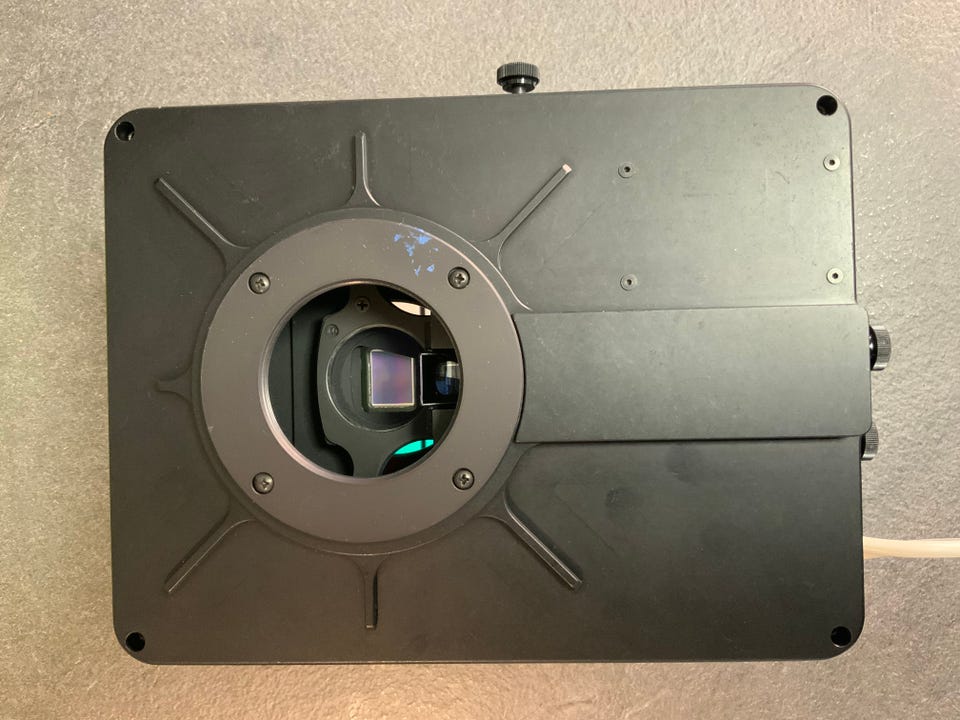
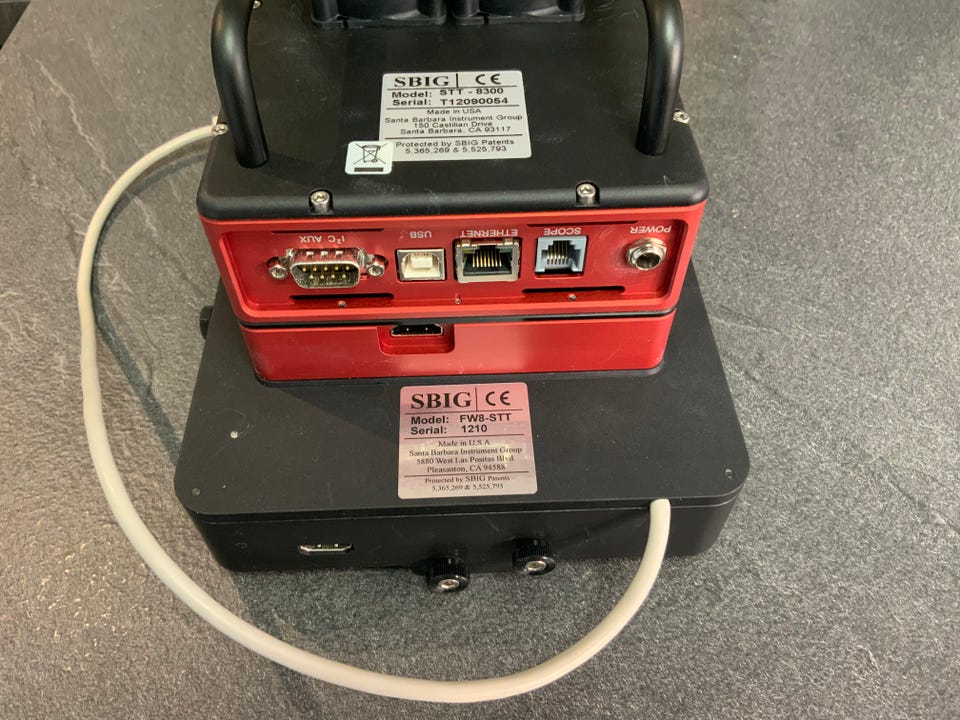
SBIG STT-8300 med FW8-STT filter wheel
(1/7)
Astrokamera SBIG STT-8300 med FW8G-STT Self-Guiding filter wheel
Til salgs
34 000 kr
Be om at selgeren sender med Fiks ferdig! Det er trygt, raskt, og du får varen levert til adressen din. Les mer
Beskrivelse av varen
Tilstand: Som ny - Ikke synlig brukt
Type: Annet fotoutstyr
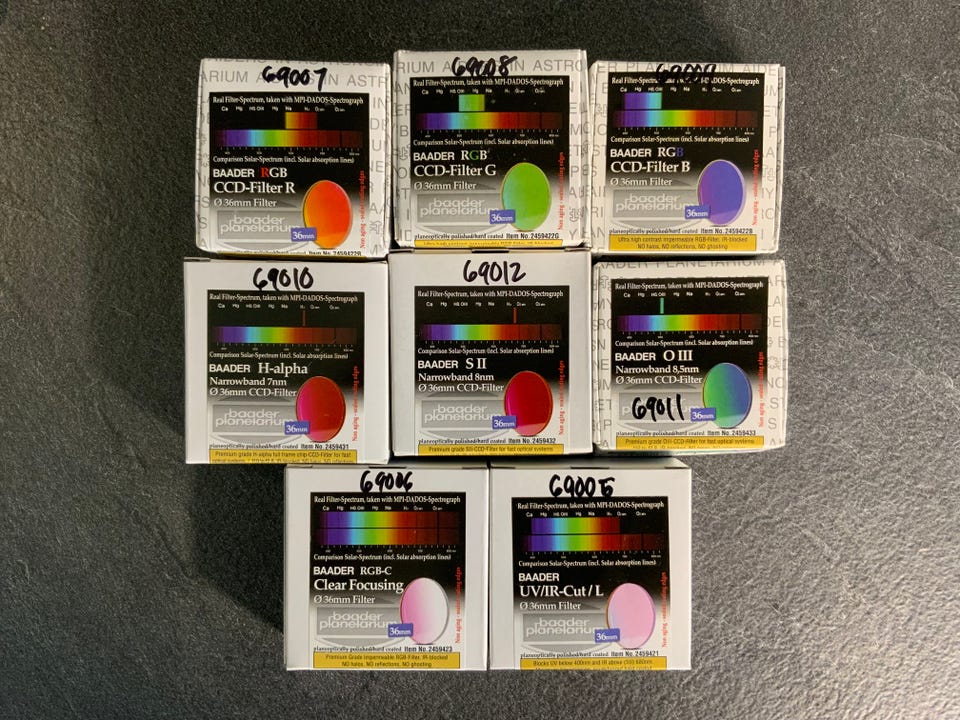
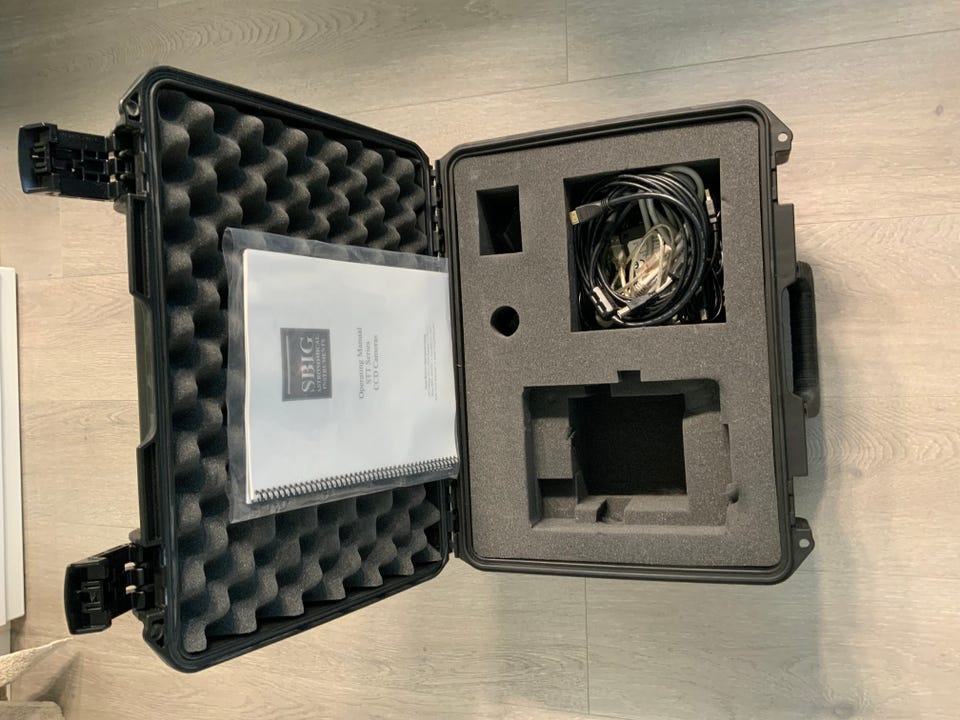
Lite brukt astrokamera selges. Det har stått lagret i medfølgende koffert. Det er montert 8 stk. Baader Planetarium filtere R,G,B,H-alpha,S II,O III,UV/IR-Cut/L og Clear Focusing.
Tekniske data kamera,
https://diffractionlimited.com/wp-content/uploads/2016/04/stt8300_specs_051012.pdf
Filter wheel,
https://diffractionlimited.com/wp-content/uploads/2016/08/stt_filterwheel_manual_080812.pdf
Manual og drivere,
https://diffractionlimited.com/legacy-product-support/
For 2025, controlling the SBIG STT-8300 with the FW8-STT filter wheel requires a combination of modern 64-bit drivers and compatible imaging suites. While the hardware is considered a "legacy" system by Diffraction Limited, it remains fully functional on Windows 10 and 11.
1. Essential Drivers & Utilities
Before using any imaging software, you must install the core connectivity tools:
SBIG Driver Checker: This is the primary utility to install 64-bit drivers and update camera firmware.
ASCOM Platform 6.6 SP1+: Most modern software (except MaxIm DL) requires ASCOM Platform to communicate with the camera and filter wheel.
SBIG USB to FW Adapter (Optional): If you are not connecting the FW8-STT directly to the camera's I2C port, this adapter allows independent ASCOM control.
2. Recommended Software Suites (2025)
Software Best For... Connection Method
MaxIm DL (v6.43+) Native Support Uses "SBIG Universal" drivers; provides the most integrated control for the STT's self-guiding features.
N.I.N.A. Modern Freeware Requires the ASCOM driver for SBIG. Excellent for automated sequences in 2025.
Sequence Generator Pro (SGP) Automation Supports the STT-8300 and FW8 via ASCOM. Use the "SGP API Guider" if using the internal guide chip.
TheSkyX High-End Control Native support via the "SBIG X2 Plug-in" for Professional versions.
CCDOps Basic Testing A free, basic utility from Diffraction Limited useful for initial hardware verification.
3. Key Configuration Notes
Internal Guiding: If your FW8-STT includes the self-guiding cover (FW8G), ensure your software is set to "Dual Chip Mode" or "External Tracking CCD" to utilize the built-in guide sensor.
NB: Knappen for å vise hele beskrivelsen har kun en visuell effekt.
Brukerprofil

Du må være logget inn for å se brukerprofiler og sende meldinger.
Logg innAnnonsens metadata
Sist endret: 1.4.2026 kl. 19:13 ・ FINN-kode: 452395838