Bildegalleri
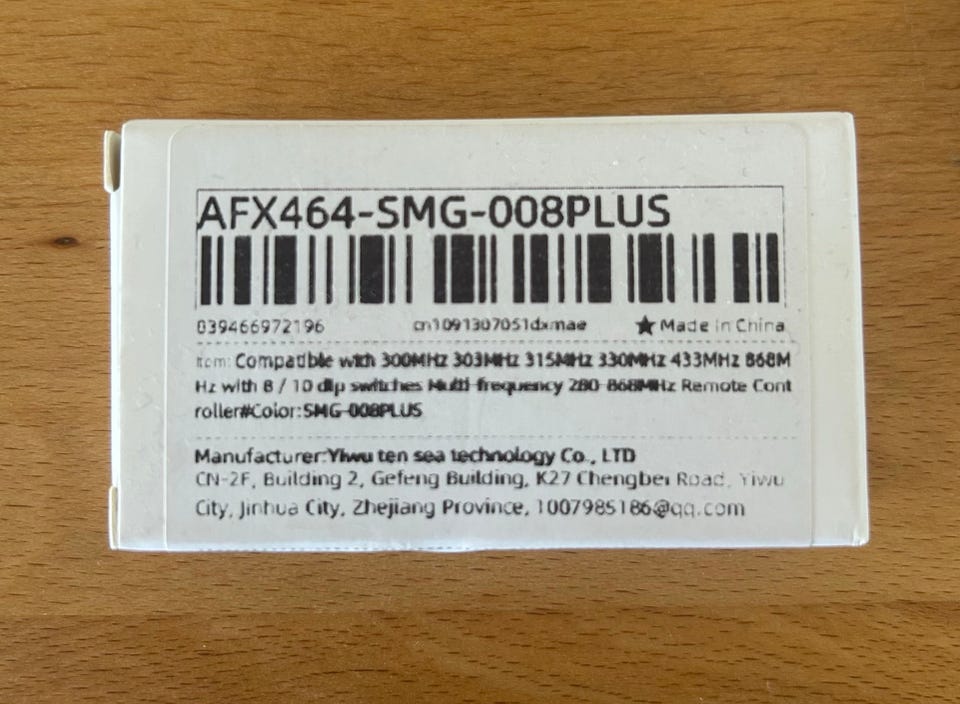
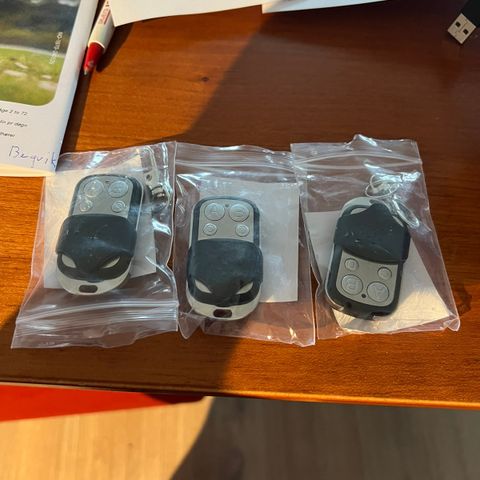
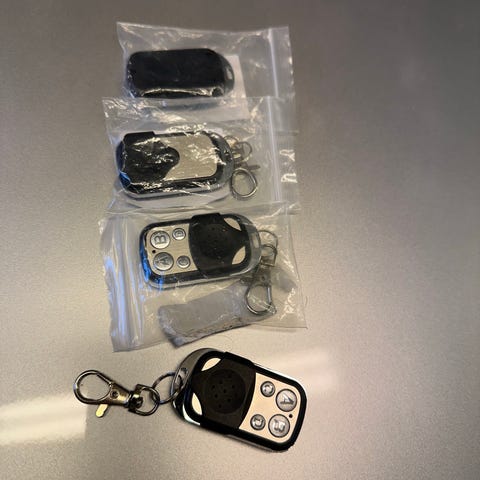
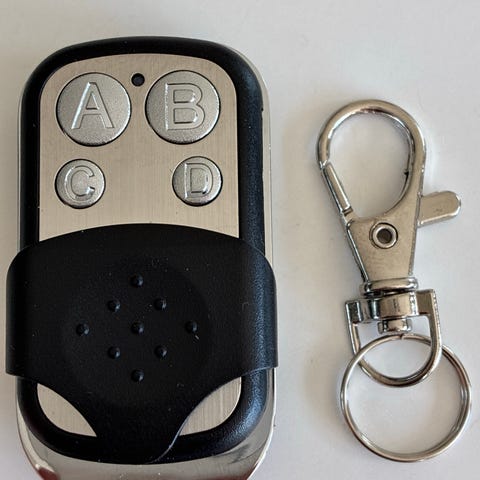
Universal fjernkontroll til garasjeport
Til salgs
120 kr
Beskrivelse av varen
Tilstand: Som ny - Ikke synlig brukt
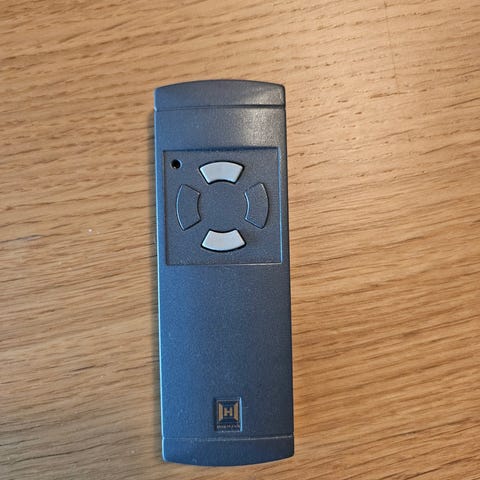
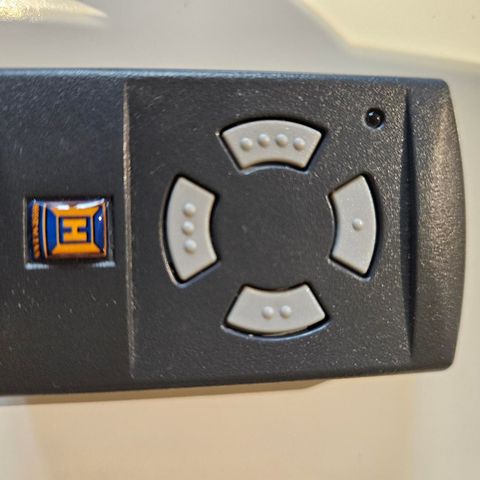
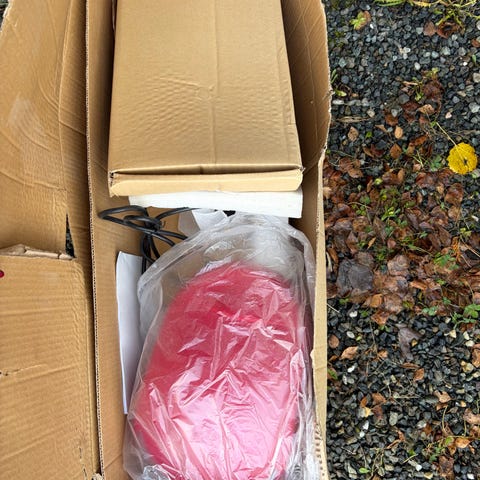
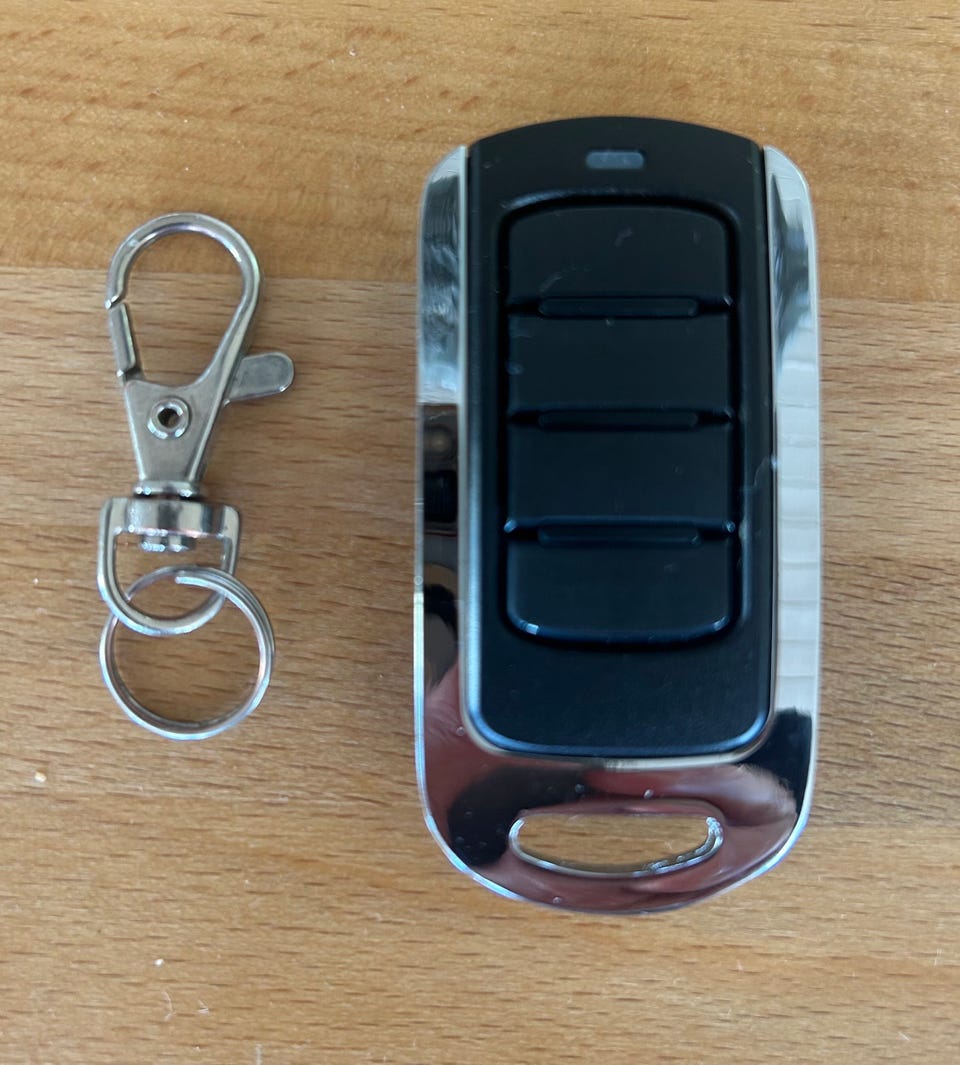
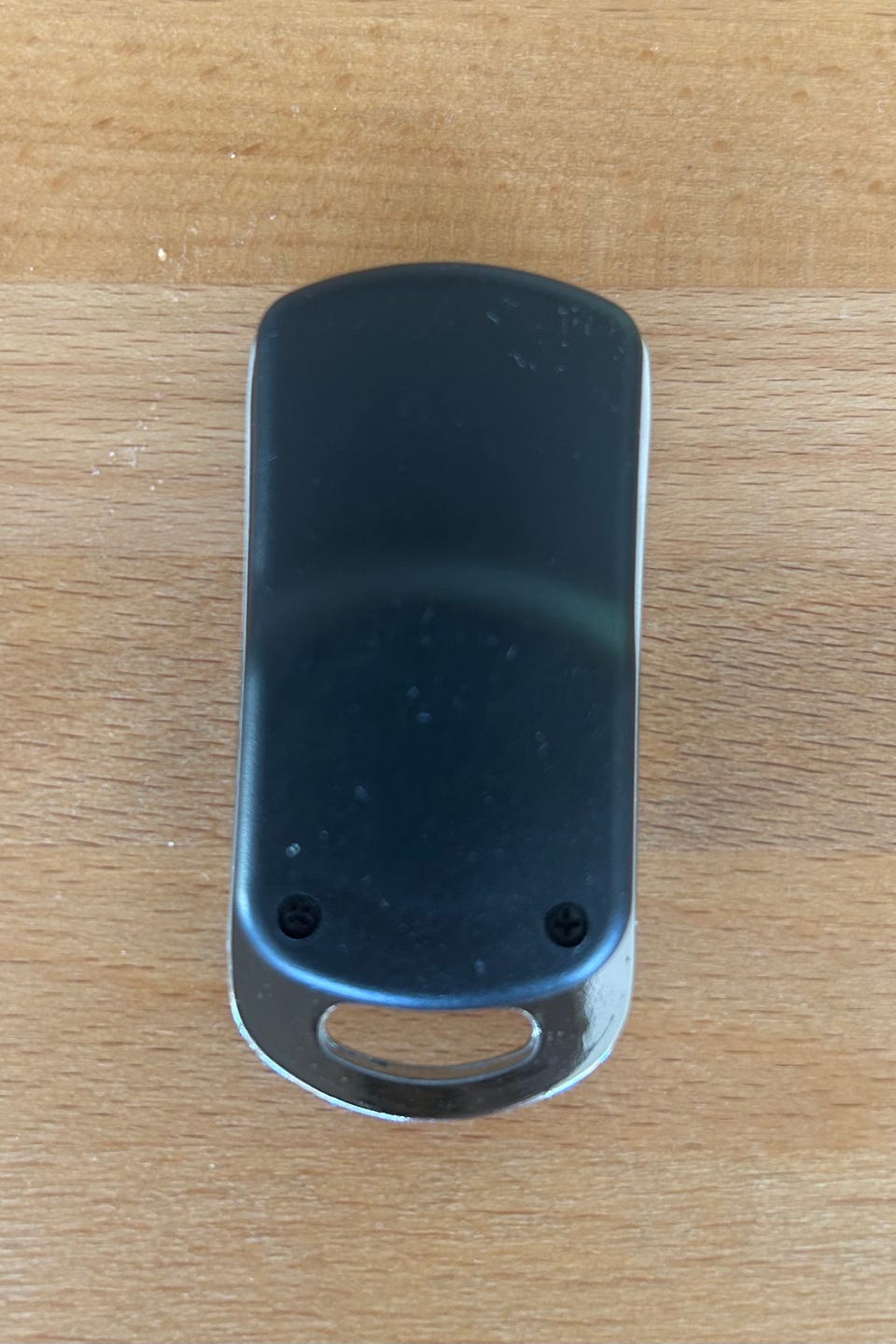
Universal fjernkontroll til garasjeport, modell med 4 knapper foran. Følger med nøkkelringfeste. Kun testet for å se om den fungerte til min garasjeport (boxer 5000) og det gjorde den dessverre ikke. Kommer med eske og bruksanvisningen under.
Prisen er inkl frakt. Bruker vipps direkte da det blir for dyrt å sende via fiks ferdig.
Kan lagre opptil 4 forskjellige porter samtidig
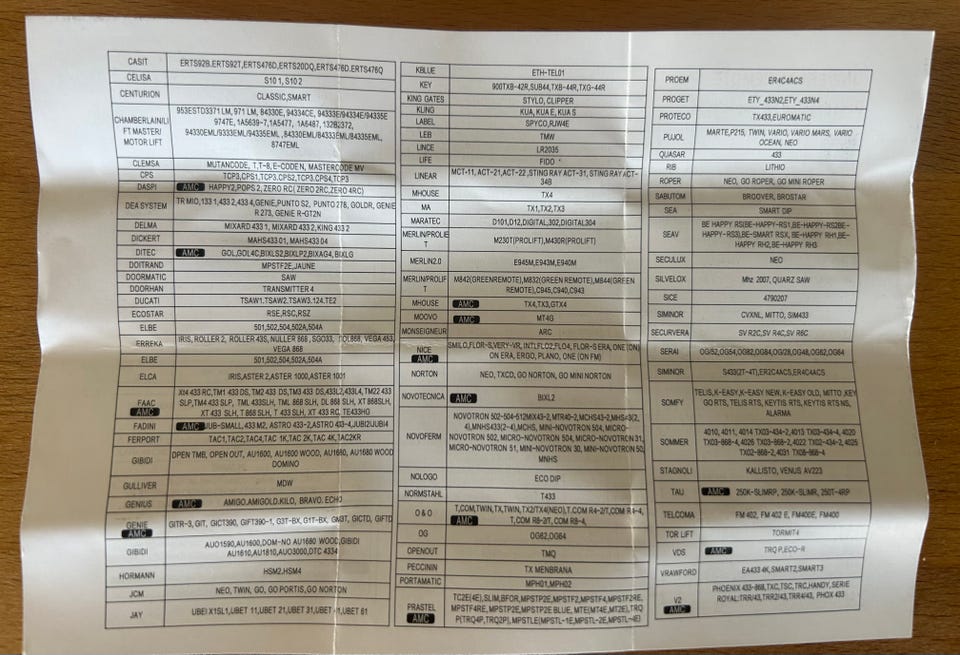
• Kompatibel med de fleste garasjeportåpnere (300–868 MHz)
• Bruker RF trådløs teknologi for stabil signaloverføring
• Drives av CR2032-batteri (inkludert)
• Kompakt og slitesterk design i metall
Spesifikasjon:
• Frekvensområde: 300–868 MHz
• Kanaler: 4
• Batteri: CR2032
• Enkel programmering
NB! ikke til garasjeportmotorer med rullende kode.
Tar ikke ansvar ift om den ikke fungerer på akkurat din garasjeport.
-----
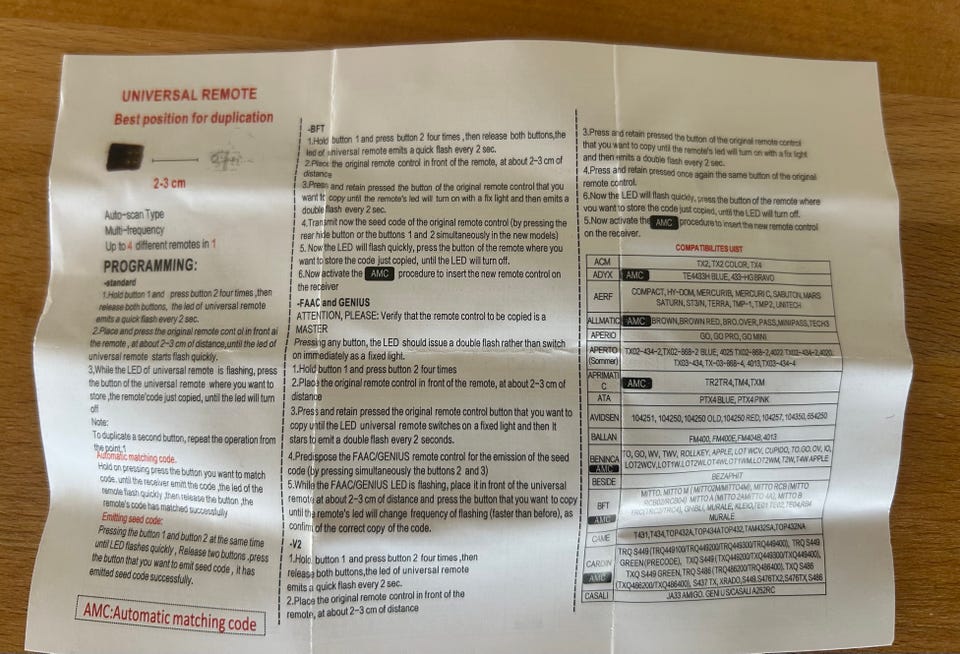
UNIVERSAL REMOTE
Best position for duplication
2-3 cm
Auto-scan Type
Multi-frequency
Up to 4 different remotes in 1
PROGRAMMING:
-standard
1. Hold button 1 and press button 2 four times, then release both buttons, the led of universal remote emits a quick flash every 2 sec.
2. Place and press the original remote control in front of the remote, at about 2–3 cm of distance, until the led of universal remote starts flash quickly.
3. While the LED of universal remote is flashing, press the button of the universal remote where you want to store, the remote's code just copied, until the led will turn off.
Note:
To duplicate a second button, repeat the operation from the point 1.
Automatic matching code.
Hold on pressing press the button you want to match code, until the receiver emit the code, the led of the remote flash quickly, then release the button, the remote's code has matched successfully.
Emitting seed code:
Pressing the button 1 and button 2 at the same time until LED flashes quickly, Release two buttons, press the button that you want to emit seed code, it has emitted seed code successfully.
-BFT
1. Hold button 1 and press button 2 four times, then release both buttons, the led of universal remote emits a quick flash every 2 sec.
2. Place the original remote control in front of the remote, at about 2–3 cm of distance.
3. Press and retain pressed the button of the original remote control that you want to copy until the remote's led will turn on with a fix light and then emits a double flash every 2 sec.
4. Transmit now the seed code of the original remote control (by pressing the rear hide button or the buttons 1 and 2 simultaneously in the new models).
5. Now the LED will flash quickly, press the button of the remote where you want to store the code just copied, until the LED will turn off.
6. Now activate the AMC procedure to insert the new remote control on the receiver.
-FAAC and GENIUS
ATTENTION, PLEASE: Verify that the remote control to be copied is a MASTER.
Pressing any button, the LED should issue a double flash rather than switch on immediately as a fixed light.
1. Hold button 1 and press button 2 four times.
2. Place the original remote control in front of the remote, at about 2–3 cm of distance.
3. Press and retain pressed the original remote control button that you want to copy until the LED universal remote switches on a fixed light and then it starts to emit a double flash every 2 seconds.
4. Predispose the FAAC/GENIUS remote control for the emission of the seed code (by pressing simultaneously the buttons 2 and 3).
5. While the FAAC/GENIUS LED is flashing, place it in front of the universal remote at about 2–3 cm of distance and press the button that you want to copy until the remote's led will change frequency of flashing (faster than before), as confirm of the correct copy of the code.
-V2
1. Hold button 1 and press button 2 four times, then release both buttons, the led of universal remote emits a quick flash every 2 sec.
2. Place the original remote control in front of the remote, at about 2–3 cm of distance.
3. Press and retain pressed the button of the original remote control that you want to copy until the remote's led will turn on with a fix light and then emits a double flash every 2 sec.
4. Press and retain pressed once again the same button of the original remote control.
5. Now the LED will flash quickly, press the button of the remote where you want to store the code just copied, until the LED will turn off.
6. Now activate the AMC procedure to insert the new remote control on the receiver.
Brukerprofil

Du må være logget inn for å se brukerprofiler og sende meldinger.
Annonsens metadata
Sist endret: 30.8.2026 kl. 14:32 ・ FINN-kode: 471598547