Fiks ferdig
2 400 kr
500 kr
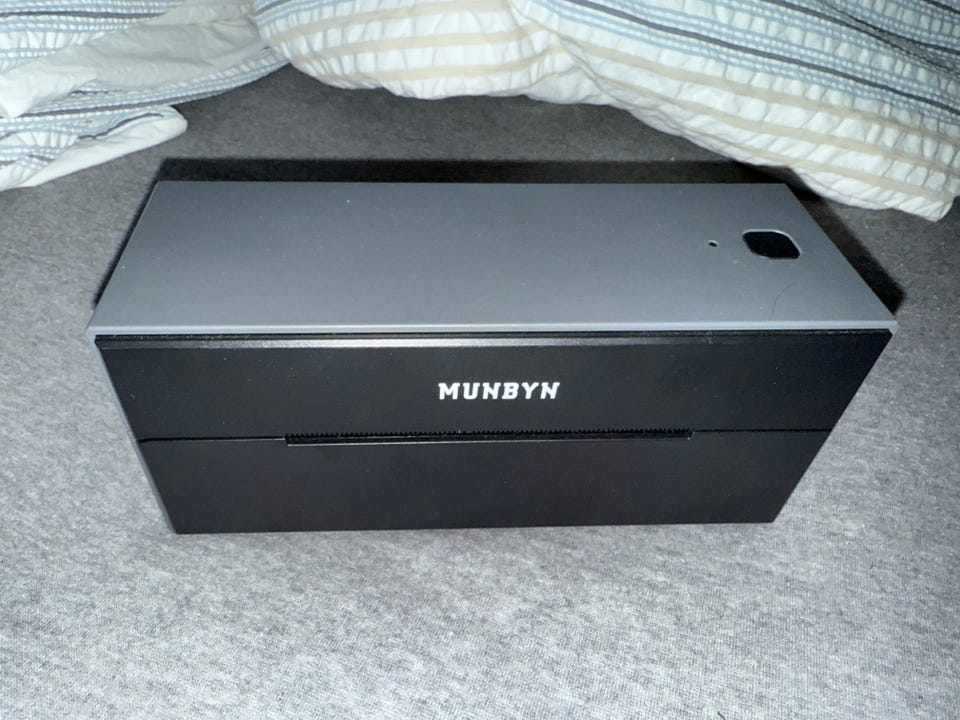
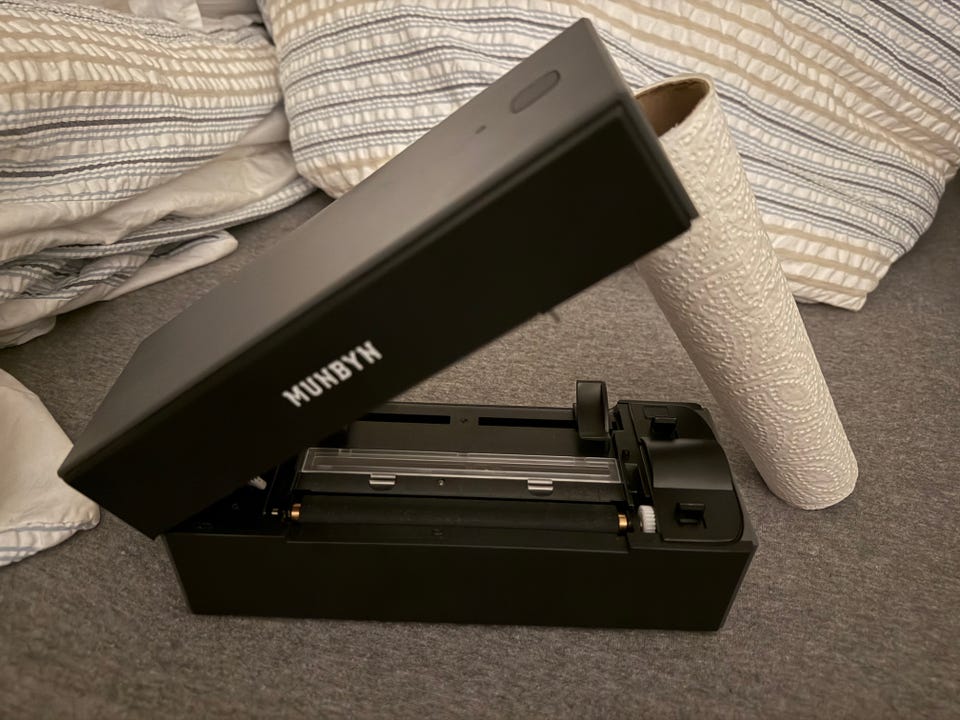
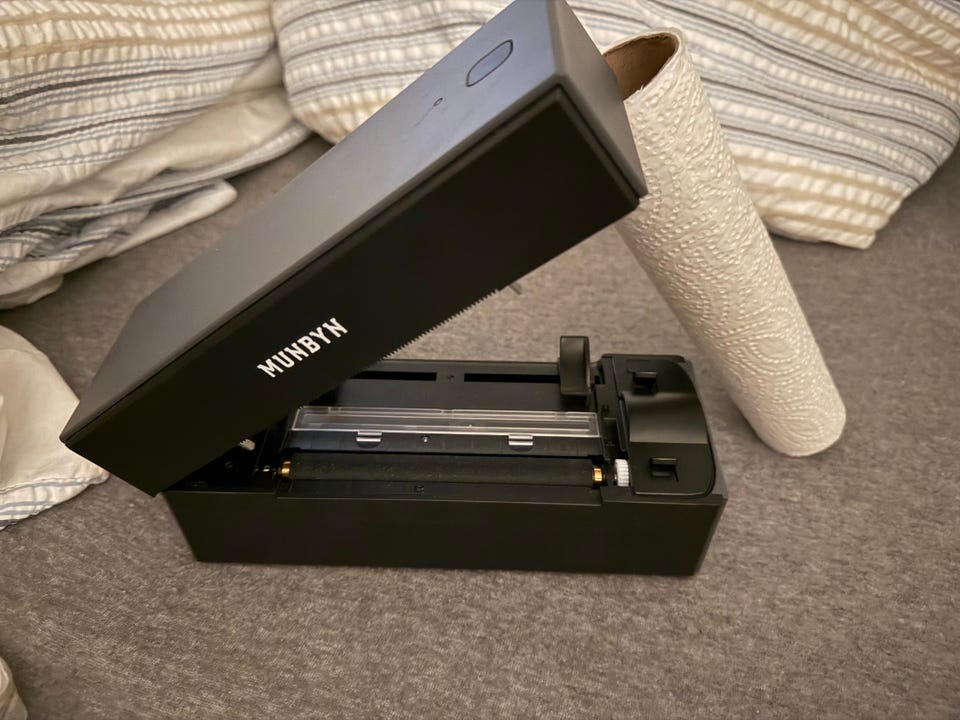
Tilstand: Som ny - Ikke synlig brukt
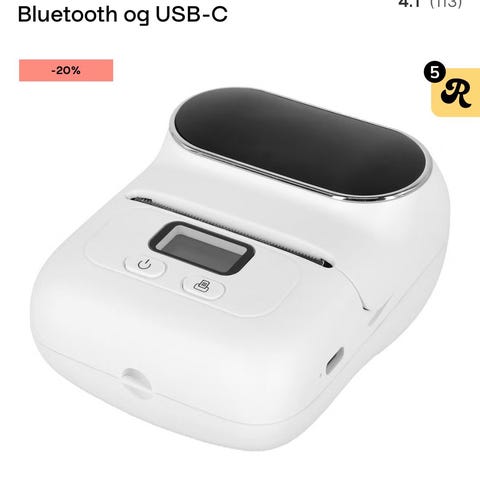
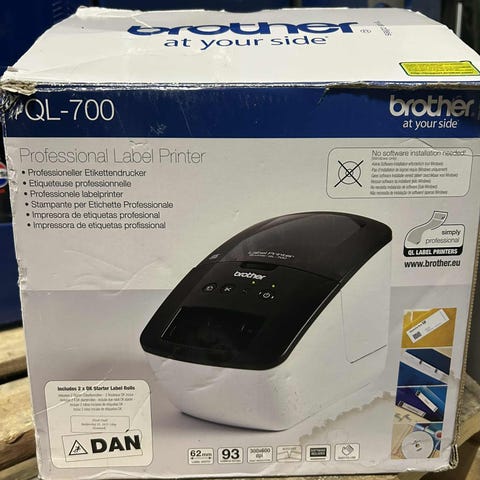
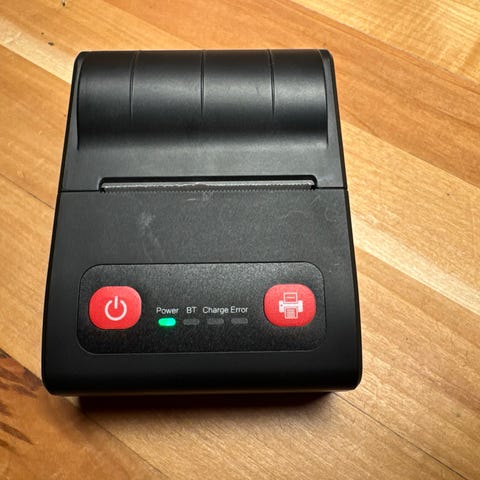
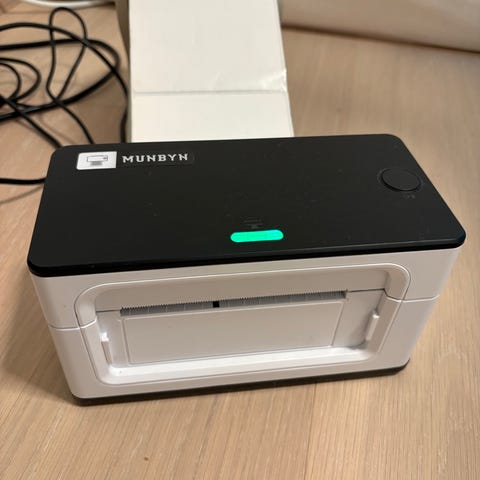
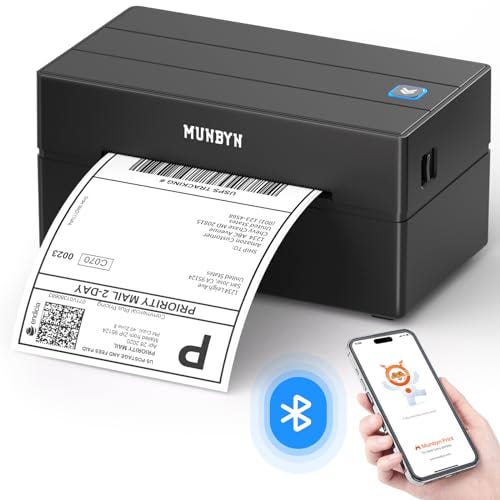
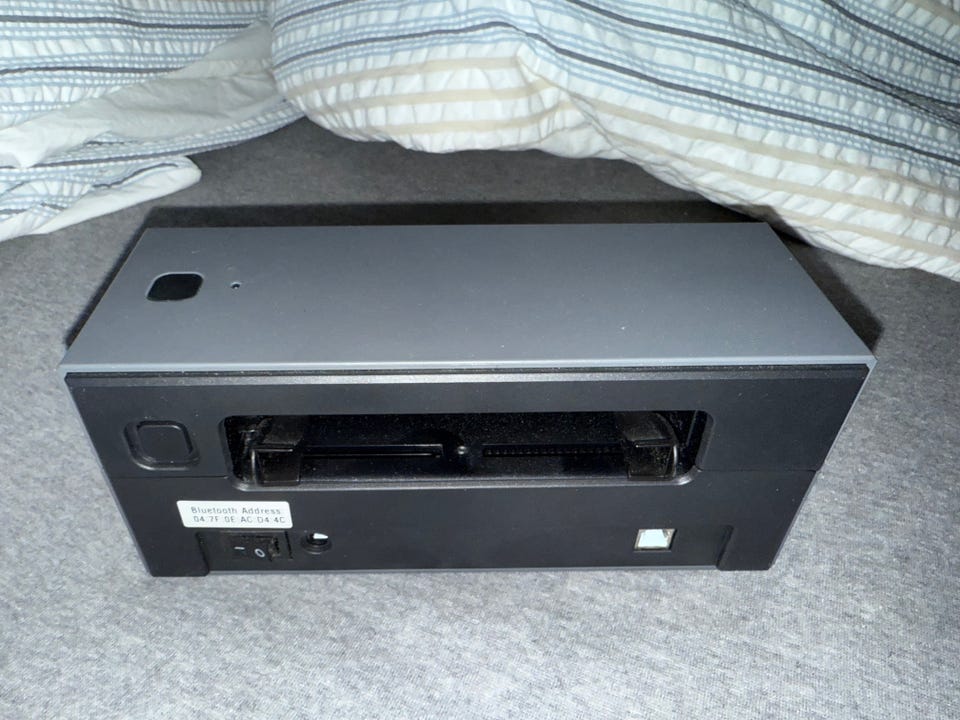
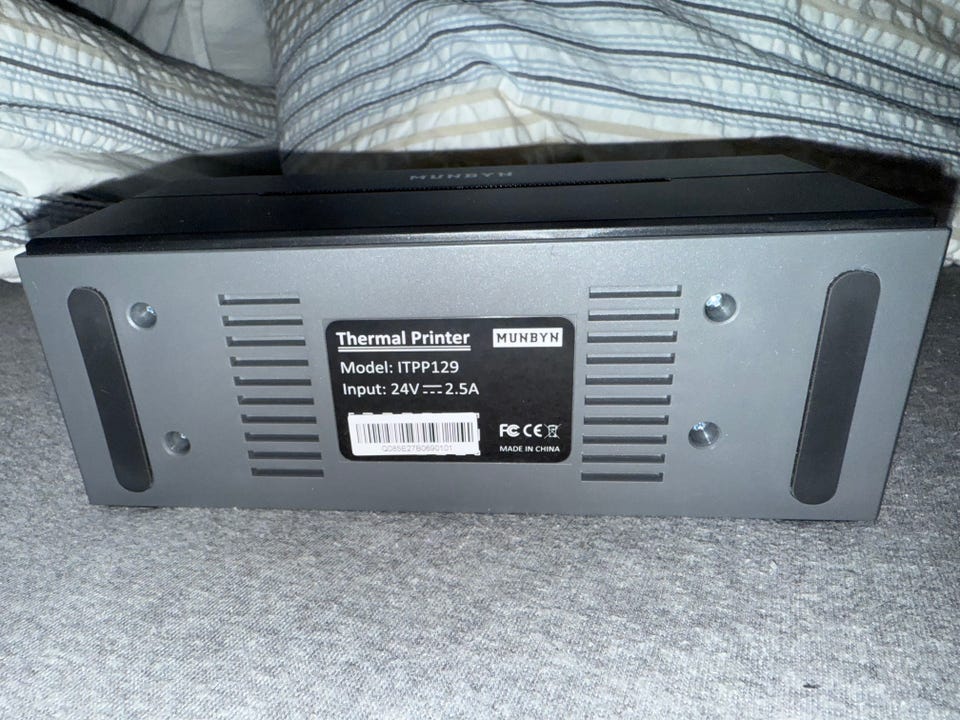
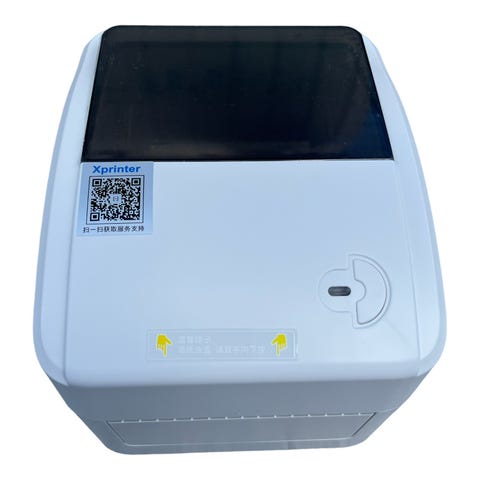
MUNBYN PRINTER
Modell ITPP129 Thermal Printer selges
NYPRIS ca. 1200,- pluss frakt ( Og 2 ukers leveringstid)
Aldri brukt - Kan sendes i romjulen.
Brand MUNBYN
Connectivity technology Bluetooth, USB
Printing technology Thermal
Special feature Bluetooth thermal label printer
Colour Gray
Model name ITPP129
Bluetooth Breakthrough - Bluetooth compatible with iOS, Android (including smartphones and tablets), Windows, and macOS. Bluetooth connection with iOS and Android requires the MUNBYN APP, while macOS requires adding the Labelife Extension in the Chrome browser to enable Bluetooth printing. USB connection is compatible with Windows, macOS, and ChromeOS. For detailed connection instructions, please refer to the user manual
Edit and Print Anytime and Anywhere - MUNBYN Print APP for Android/iOS allows you to create labels on the go. MUNBYN Print intuitive user interface enables you to simply cut, rotate, and print labels at any time and from any location. The 720g lightweight design is simple to carry and can be gripped with one hand
Broad Compatibility - Desktop Thermal Label Printer ITPP129 is compatible with Amazon, Shopify, eBay, Etsy, UPS, FedEx, Royal Mail, DPD, Hermes and other major shipping partners and market places. Suitable for direct thermal labels with widths ranging from 1.57" to 4.3" (40mm-110mm). (Our Bluetooth label printer does not support the Windows system with ARM CPUs.)
Cost-Effective Design - Label Printer uses direct thermal technology by Japanese ROHM printer head, which does not need ink or toner. There is also a blank paper automatic return function, that saves you time from repositioning the paper
How to resolve incorrect printing issues: 1.Make sure the label size set on your computer or mobile device matches the actual size of the labels. 2. Adjust the paper guides to fit the width of the labels properly. 3. When using the printer for the first time or switching to a different type of label, be sure to calibrate the paper. Calibration steps: Insert the labels, press and hold the feed button until the blue light flashes twice, then release

Du må være logget inn for å se brukerprofiler og sende meldinger.
Logg innSist endret: 25.12.2025 kl. 23:46 ・ FINN-kode: 442842042